
The Lenovo L27h-4A is one of those monitors that quietly entered my setup and slowly made me question a lot of things: Can one monitor actually simplify my entire workspace? Can USB-C really replace all the messy cables, adapters, and docks I’ve been dealing with? And more importantly, can something this straightforward actually feel this good to use every single day without costing as much as a high-end laptop? That’s where this monitor started to get interesting for me.
In an era where we breathe screens like it’s oxygen, the monitor has become part of how we work, think, and even unwind. And every now and then, a device comes along that doesn’t try too hard to feel “premium,” but instead focuses on being right for everyday life.
Design: 5/5
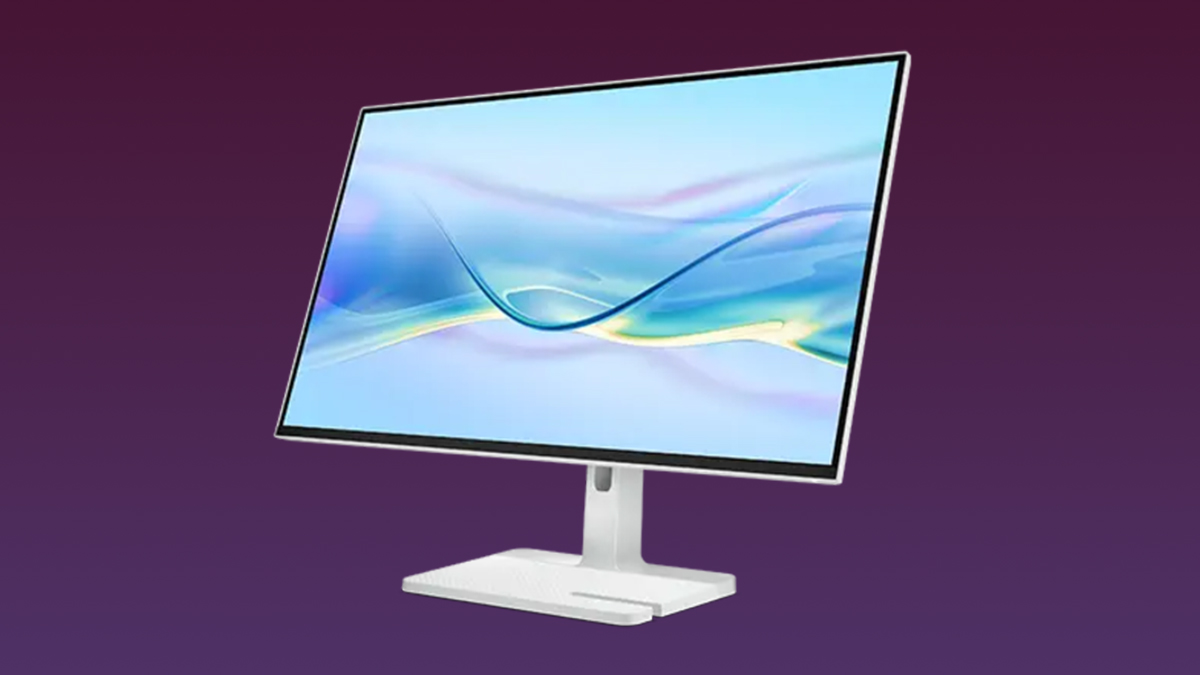
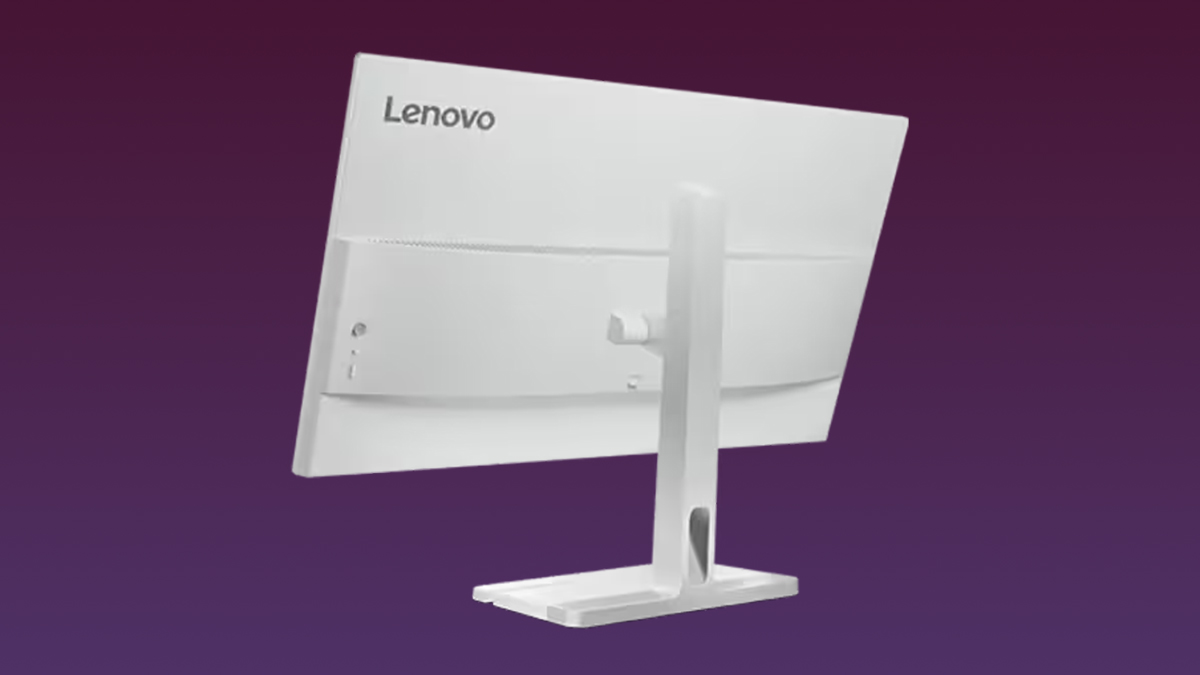
What I liked most about the Lenovo L27h-4A, honestly, was its design. The monitor’s minimalist and functional look fits perfectly into modern desk setups. It has a clean, borderless display that feels professional without being loud or flashy. Among its most practical touches are the built-in cable management holes, which help reduce clutter and keep everything looking organized.
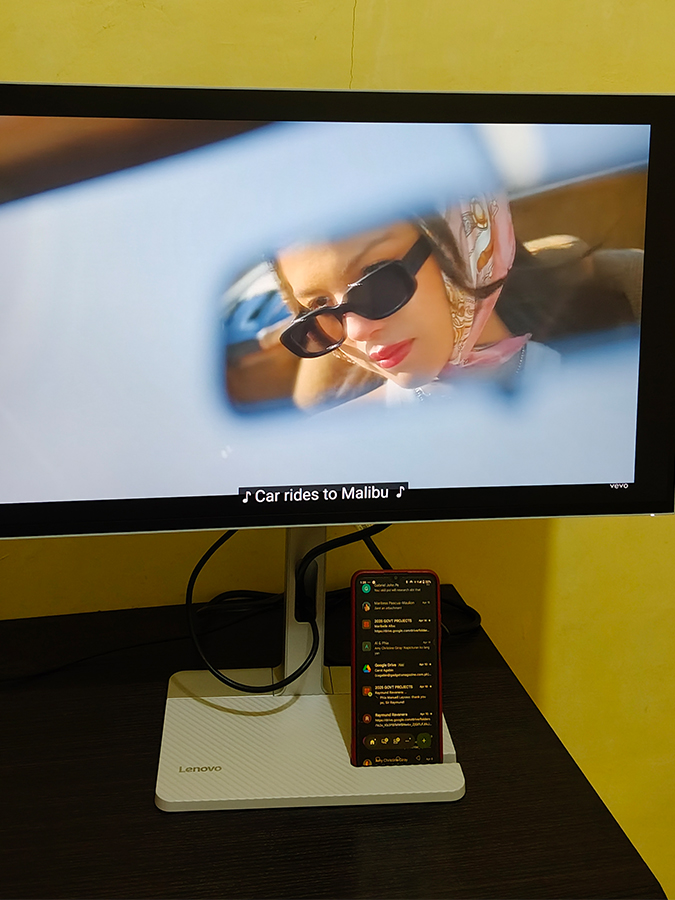
It also comes with a small integrated phone stand, which I didn’t expect to use as much as I do now. It’s surprisingly useful for multitasking, and even when I’m not using it, the monitor still looks intentional, not like something is missing.
What stood out to me personally is how easy it is to adjust. As someone who’s not used to handling big appliances, I found it very beginner-friendly. I can raise it, lower it, tilt it, switch to portrait or landscape, and it still feels sturdy and not delicate or scary to move. Overall, the design feels very intentional. It’s simple, clean, and focused on everyday use rather than just aesthetics.
Hardware: 4/5
On the hardware side, the Lenovo L27h-4A features a 27-inch 2K (2560×1440) IPS display that delivers sharp and clear visuals for daily tasks. A standout feature is its USB-C one-cable solution that supports up to 75W power delivery, so it can charge your laptop while also handling display output and data transfer. A built-in 4-port USB hub simplifies the desk setup by reducing the need for extra dongles and cables.

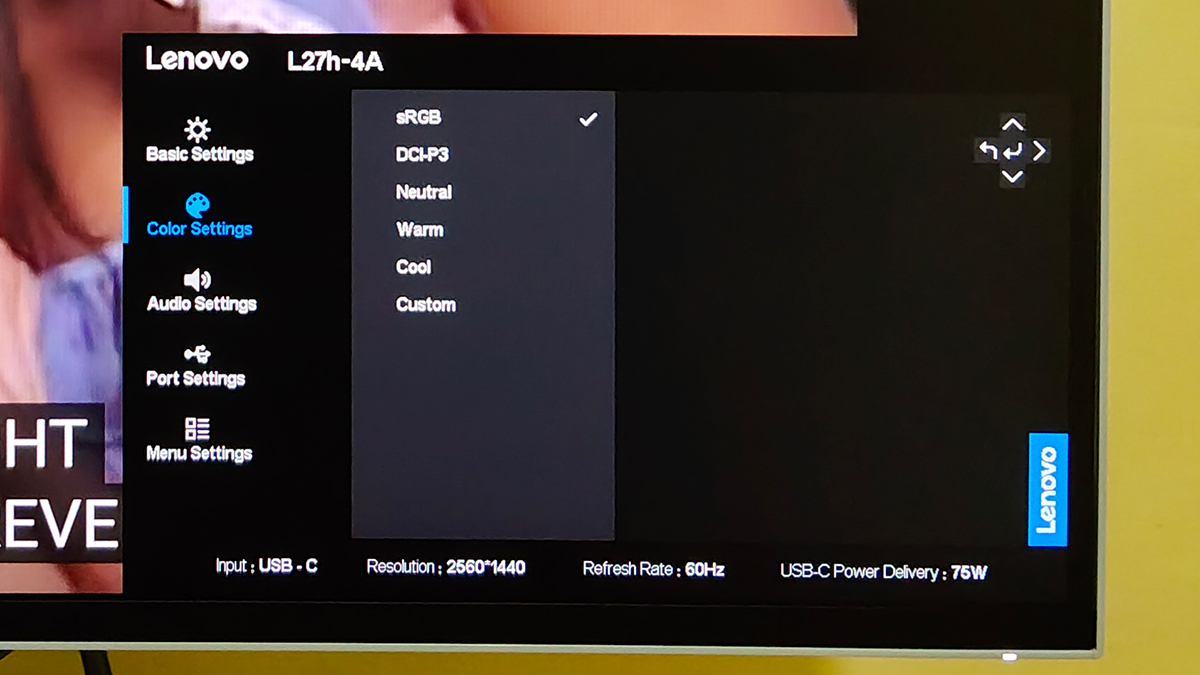
Color-wise, it offers 99% sRGB and 90% DCI-P3 coverage, which gives it a decent level of vibrancy and accuracy for everyday use. Natural Low Blue Light technology helps reduce eye strain without making the colors look washed out, a feature I personally appreciate during long hours of screen time.
That said, while I found the display more than satisfactory, the colors were just average overall in real-world use. It’s not something I fully rely on for serious color-critical editing, so I still prefer editing photos or videos on my laptop because it just feels more accurate for my workflow. Also, this is not an ultra-high refresh competitive-level display, so it’s not designed for fast-paced gaming or high-performance visual work.
User Experience: 4.5/5
In real-world use, the Lenovo L27h-4A honestly feels like a meaningful upgrade for a work-from-home setup. The bigger screen and sharper resolution immediately reduce eye strain, especially during long hours of work or browsing. It’s one of those things you don’t fully appreciate at first, but over time, you realize how much more comfortable your daily screen time has become.
The built-in audio also surprised me. A lot of reviews I’ve seen mention that the speakers are pretty basic, and I understand where that comes from; they’re not studio-level or anything close to that. But in my experience, I wouldn’t completely downplay it. With the different sound modes, especially the movie mode, it actually becomes enjoyable for casual watching. It’s not about loudness or depth but more about convenience and balance. For watching films, YouTube, or background content, it genuinely holds up better than I expected from a monitor, and at times it even made me think I could skip turning on a smart TV for simple viewing.
In fact, while using the Lenovo L27h-4A, I slowly realized I hadn’t turned on my TV in a while, since this monitor had taken a permanent spot on my desk. It naturally became my go-to screen for both work and casual viewing, which says a lot about how convenient it is.
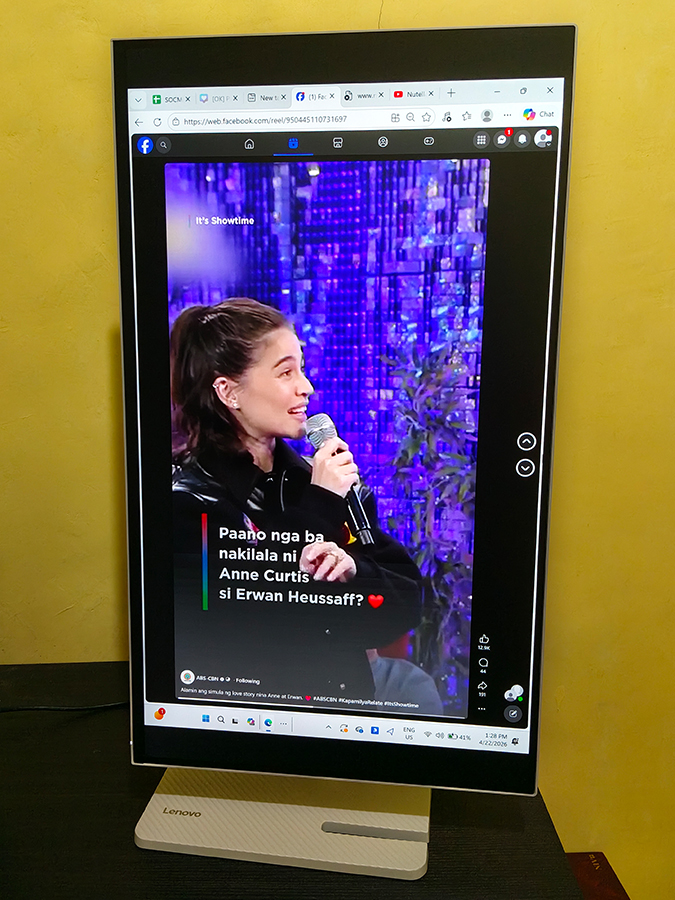
The portrait mode is another feature I ended up using more than I thought. I’ve used it for scrolling TikTok, reading, and vertical content, and it just makes everything feel more natural and space-efficient. It’s one of those small features that quietly improve the monitor’s flexibility in daily use.
Overall, it doesn’t feel like a “work-only” monitor. It adapts depending on what I’m doing, which makes the experience feel more personal and less rigid.
Value: 4.5/5
In the Philippines, the Lenovo L27h-4A is priced around PHP12,000 to PHP17,000, depending on where you buy it. For what it offers, the package feels very complete: a 27-inch 2K display, USB-C convenience with 75W power delivery, a built-in USB hub, decent color coverage, eye comfort features, built-in speakers, and flexible use for both productivity and entertainment.
While it’s not competing with premium creative or gaming monitors, its value really comes from its practicality. For someone upgrading from a laptop-only setup, it feels like a very balanced investment that improves both workflow and comfort without going overboard in price.
Bottomline
The Lenovo L27h-4A is an everyday all-rounder that quietly improves how your desk feels and how you work throughout the day. For me, it simplified my setup, reduced cable clutter, made long hours more comfortable, and blended work and entertainment in a way that feels natural. If you’re looking for something clean, practical, and genuinely easy to live with every day, this monitor delivers more than you’d expect at its price point.
What’s Hot:
- True one-cable setup (USB-C + charging)
- Comfortable for daily use
- Great productivity monitor
- Built-in USB hub
- Versatile, flexible stand
- Eye comfort features
What’s Not:
- Colors are average overall
- Not ideal for color-critical editing
- Not for high-end gaming
Specifications:
- Display: 27-inch IPS panel
- Resolution: 2560 × 1440 (2K QHD)
- Refresh Rate: Up to 100Hz
- USB-C: Up to 75W power delivery (single-cable setup)
- Color Coverage: 99% sRGB / 90% DCI-P3
- Ports: USB-C, HDMI, DisplayPort, USB hub
- Ergonomics: Height, tilt, swivel, pivot (portrait mode)
- Eye Care: Low Blue Light technology
- Audio: Built-in stereo speakers
Reviewed by Aljhelyn Piador
Also published in GADGETS MAGAZINE Volume 26 Issue No. 9