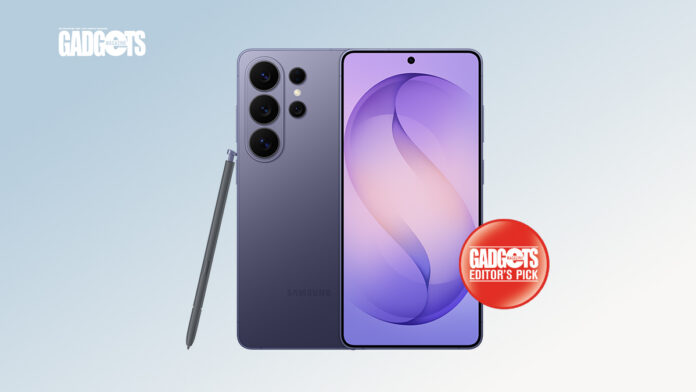

When it comes to Android smartphones, few names carry the weight of Samsung, arguably one of the best brands you can pick. And its flagship devices? Usually a green flag, signaling “now’s the time to buy.”
Yet, with the Galaxy S26 Ultra, that excitement comes with a question mark.
The specs are impressive. The cameras are powerful. The AI features sound futuristic. But in a world where incremental upgrades are the norm, is this really a must-have, or just another expensive step forward that might not feel revolutionary?
Let’s take a closer look to see if the S26 Ultra truly delivers on its promises, or if it’s a flagship that’s more about perception than transformation.
Design: 4/5
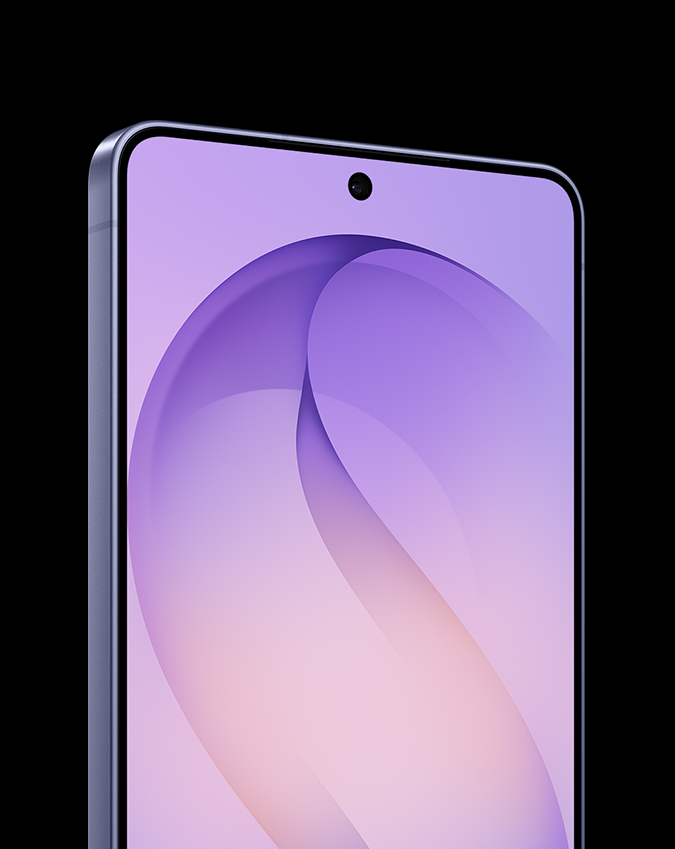
With every release, Samsung isn’t just selling a phone, but a statement. And as someone who cares as much about how a device feels as how it performs, the Samsung Galaxy S26 Ultra immediately makes its case.
Still, here’s the honest take: coming from the S25, the design didn’t surprise me. It’s almost identical. And while consistency can be a strength, this feels like one of those moments where I wanted the upgrades to be more visible. Flagships should feel like a leap, even at first glance.
That said, once it’s in my hand, things start to click.
The 6.9-inch display sounds intimidating on paper, but in hand, it’s surprisingly manageable. I have smaller hands (think “5-flat girl” realness), and the S26 Ultra doesn’t feel overwhelming. It doesn’t strain my fingers when typing or scrolling. The combination of the 120Hz adaptive refresh rate and the new Snapdragon 8 Elite Gen 5 chip makes everything feel instant, like my fingers and the screen are moving at the same speed. The responsiveness is sharp to the point that typos are rare, and scrolling? Almost too smooth. This is the kind of screen that can pull me deeper into doomscrolling because it keeps up with me, no friction, no delay.
Then there’s the everyday practicality, especially since I live in jeans that barely believe in pockets. Despite its size, the phone is light enough to sit comfortably without dragging my fit down. No awkward bulging, no constant adjusting. It just… fits.
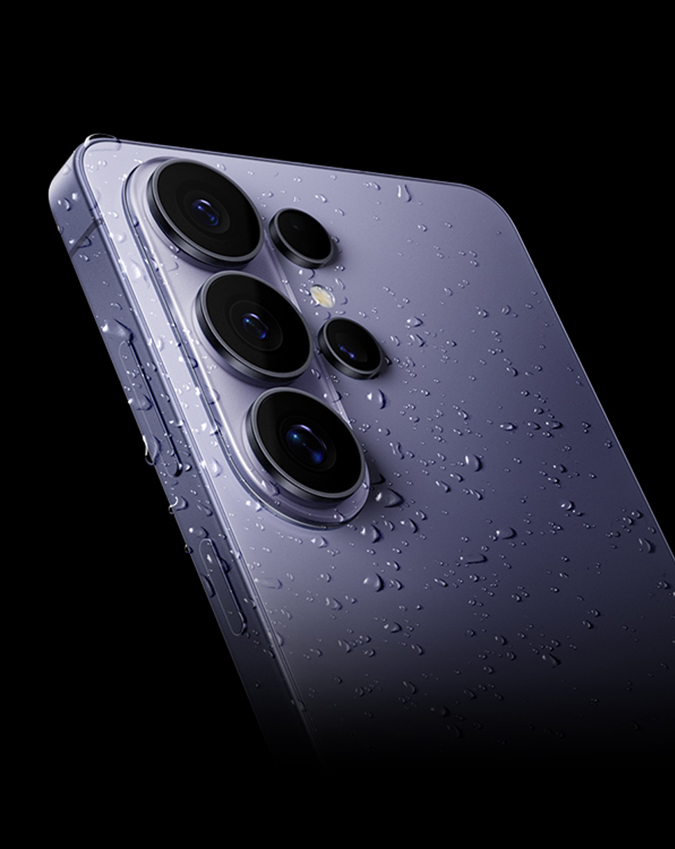
The Cobalt Violet color deserves its own moment. It’s not loud, but not basic either. I’d describe it as a cool-toned, slightly muted violet with a soft, dusty finish. Elegant, but still a little artsy.
Texture-wise, it walks a nice line. Smooth, but not slippery. With IP68 water and dust resistance and a solid frame, it feels made for everyday movement. Even with slightly wet hands, it holds up. There’s this odd but welcome effect where moisture doesn’t linger, which makes it feel more secure than I expected.
And while it looks premium, it doesn’t act fragile. I can throw it into a packed, real-life bag without babying it. No immediate urge to slap on a case just for peace of mind.
Now, not everything lands perfectly.
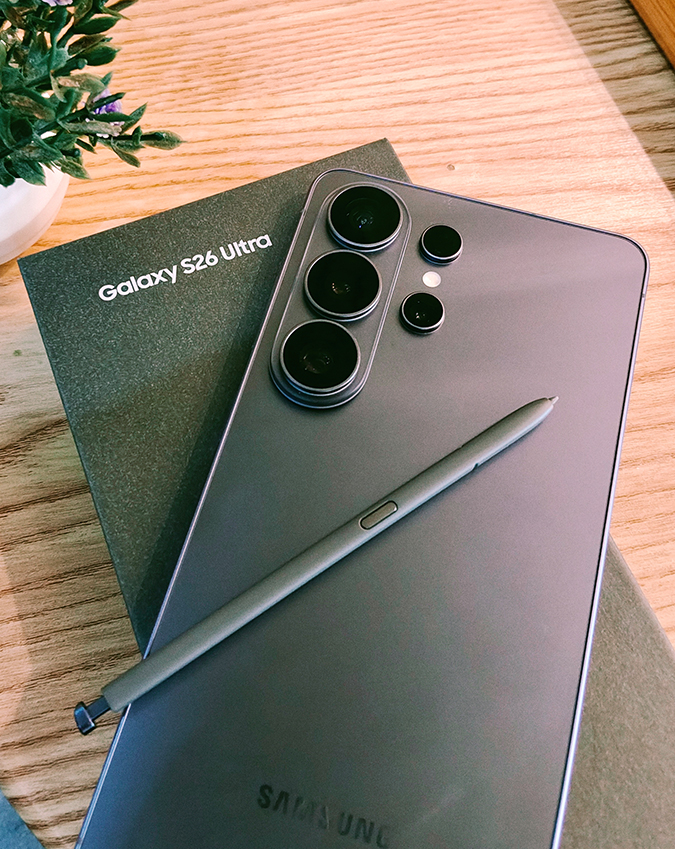
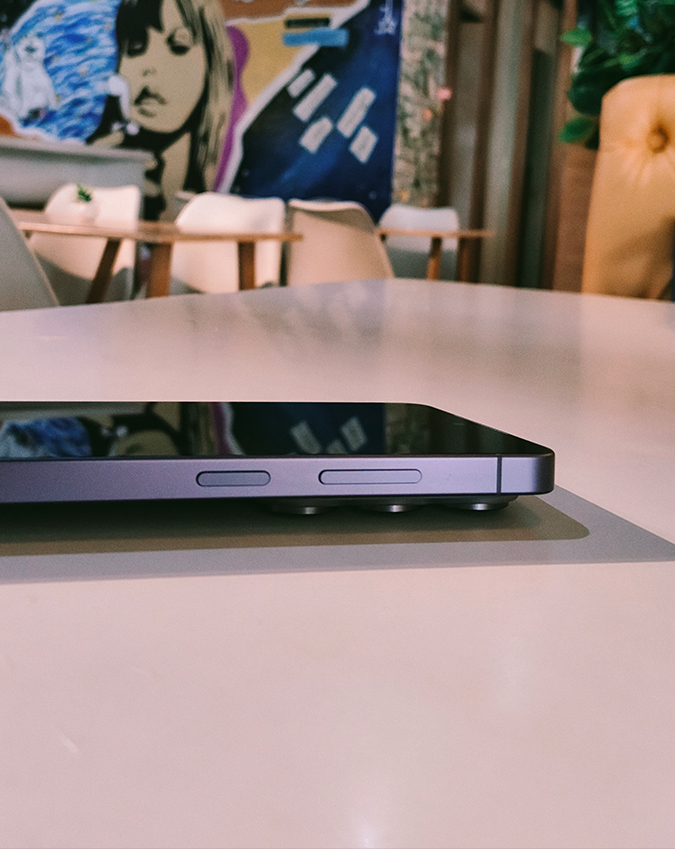
The camera bump is still very much there, especially when I place it on flat surfaces. It creates slight unevenness that feels off, both visually and physically, especially since I prefer a clean, flat back. It’s a small thing, but noticeable.
On the flip side, the S Pen placement is a quiet win. Positioned on the left side, it just makes sense, especially for me as a right-handed user. I hold the phone with my right hand and naturally reach for the pen with my left. It’s one of those thoughtful details I didn’t think about until I noticed it. Even the pen itself feels refined, with a clicky, almost fidget-like mechanism that’s oddly satisfying to use.
Hardware: 4.5/5
The Samsung Galaxy S26 Ultra doesn’t just rely on impressive specs, it shows its strength in how those specs translate into everyday use. What stood out to me early on is how consistent it feels. Not just quick in bursts, but steady, even when I’m pushing it a bit.
I tried running YouTube, Instagram, Chrome with around ten tabs, and Google Docs all at once, and it handled everything with ease. Transitions stayed smooth, switching between apps felt instant, and more importantly, apps didn’t keep refreshing in the background. At some point, I stopped thinking about “multitasking” altogether because the phone just kept up.
That same consistency shows up in thermal performance. I pushed it a bit harder by recording 8K video at 30fps for about 12 minutes. It did warm up, but never to a point that felt uncomfortable. More importantly, performance didn’t dip. No slowdowns, no stutters. It feels like Samsung focused less on chasing peak numbers and more on keeping things stable over time. And in real use, that makes a difference.
The cameras are still one of the highlights, and this is where things start to feel a little extra, in a good way. The 200MP main sensor captures a lot of detail, especially in Pro Mode. Even shooting multiple high-res photos back to back, processing stays quick enough that it doesn’t interrupt the flow.
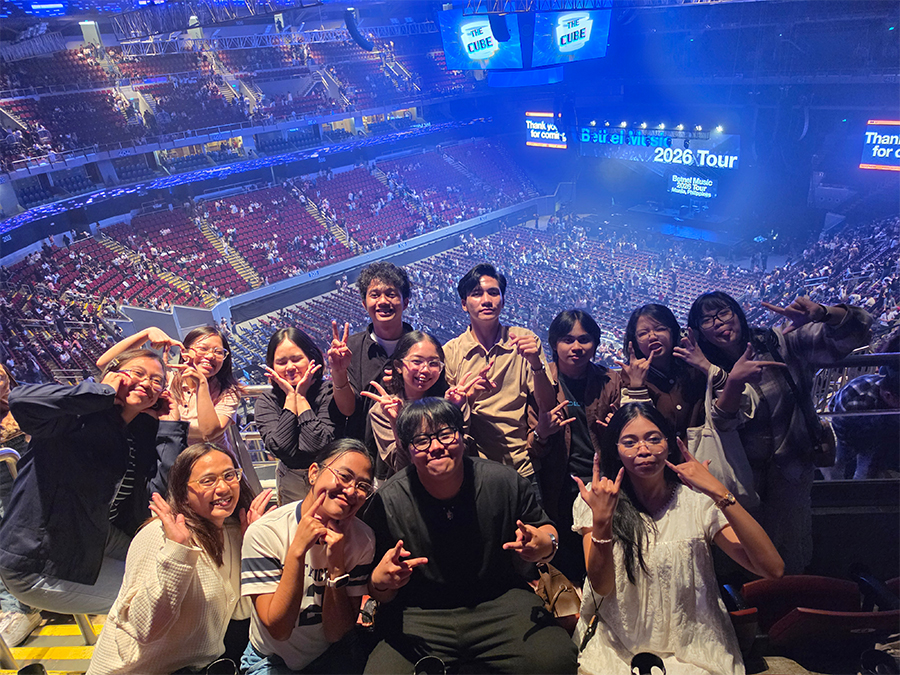
The ultra-wide camera is just as usable. It gives you that wide perspective without overly stretching the edges, which makes it reliable for landscapes or group shots. But the telephoto system is where it really stands out. The optical zoom is already useful, but pushing further, up to 100x, is where it gets interesting. It’s not just a gimmick. It actually lets me see and capture details I wouldn’t normally reach. At times, it feels less like zooming and more like pulling distant subjects closer in a way that’s surprisingly usable.
Video performance rounds out the experience nicely. Stabilization is reliable, detail holds up well, and switching between lenses mid-recording is mostly seamless, with very little lag. It’s capable enough that I’d feel comfortable using it for more serious content, not just quick, casual clips.
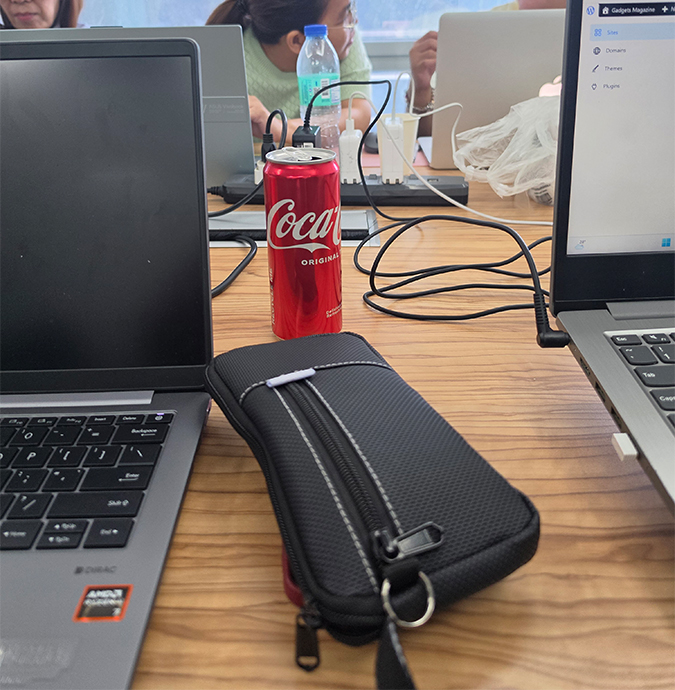
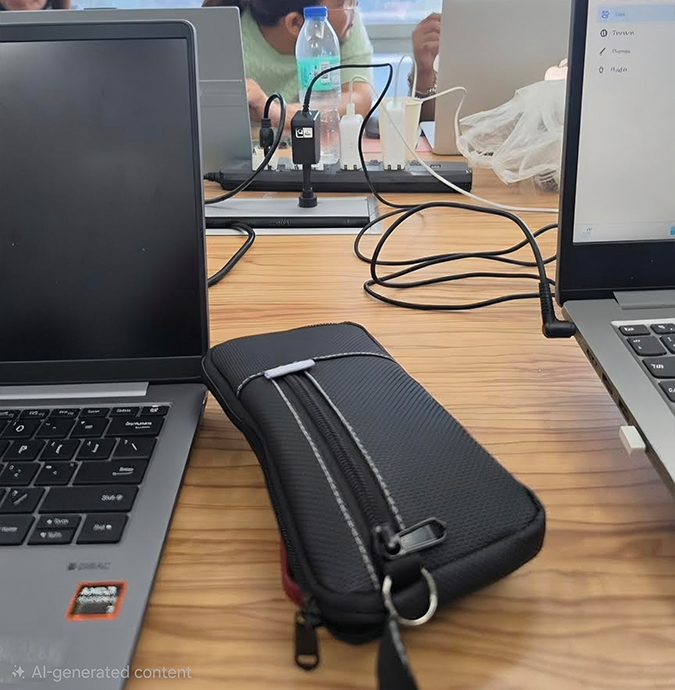
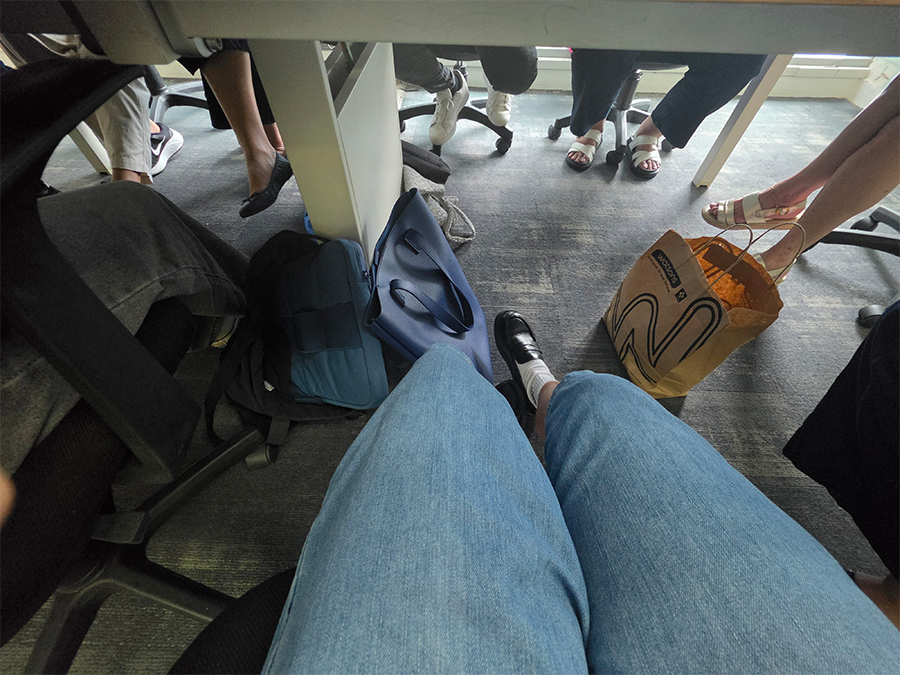
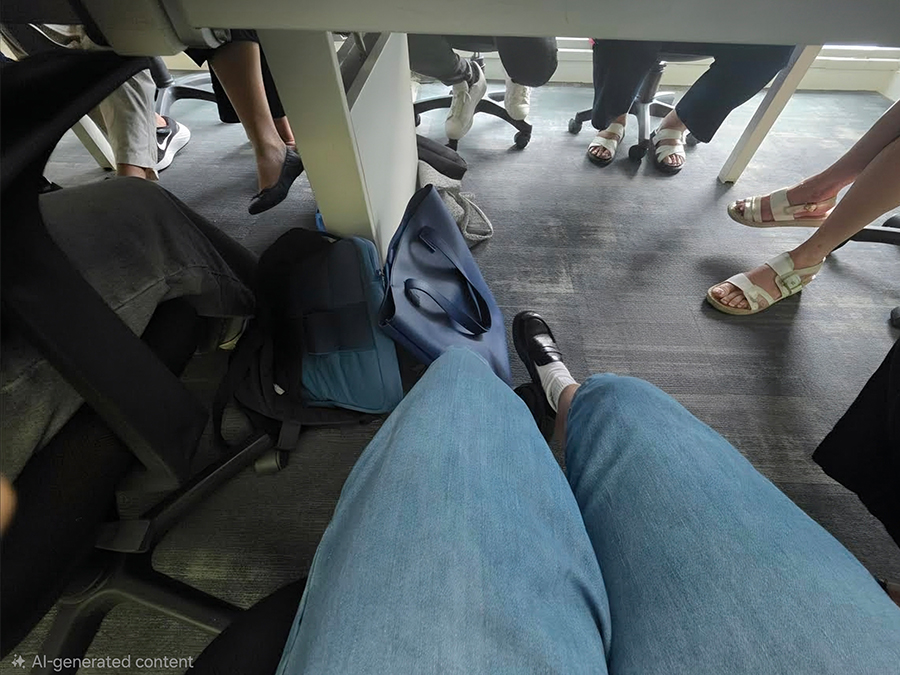
Then there’s the AI layer, which adds another dimension to the whole experience. Some features are genuinely useful, while others still feel a bit experimental. The Object Eraser in Samsung Gallery, for example, can be surprisingly clean when removing simple distractions, sometimes to the point where you wouldn’t even notice an edit. But it does struggle with more complex scenes, especially when it has to rebuild finer details. Still, in the right situations, it works well enough to save photos I wouldn’t be able to retake.
Features like Scene Optimizer lean more into the creative side. The way it adjusts colors and applies styles, especially those watercolor-like effects, can look unexpectedly artistic. At times, it even blurs the line between a photo and something closer to digital illustration.
The AI writing tools and Bixby-assisted features work as expected. They handle summarization and basic rewriting without much trouble, but they don’t feel particularly groundbreaking. Live Translate, on the other hand, stands out. Being able to point the camera at text and get a real-time translation is both fast and accurate. It’s one of those features I can actually see myself using regularly.
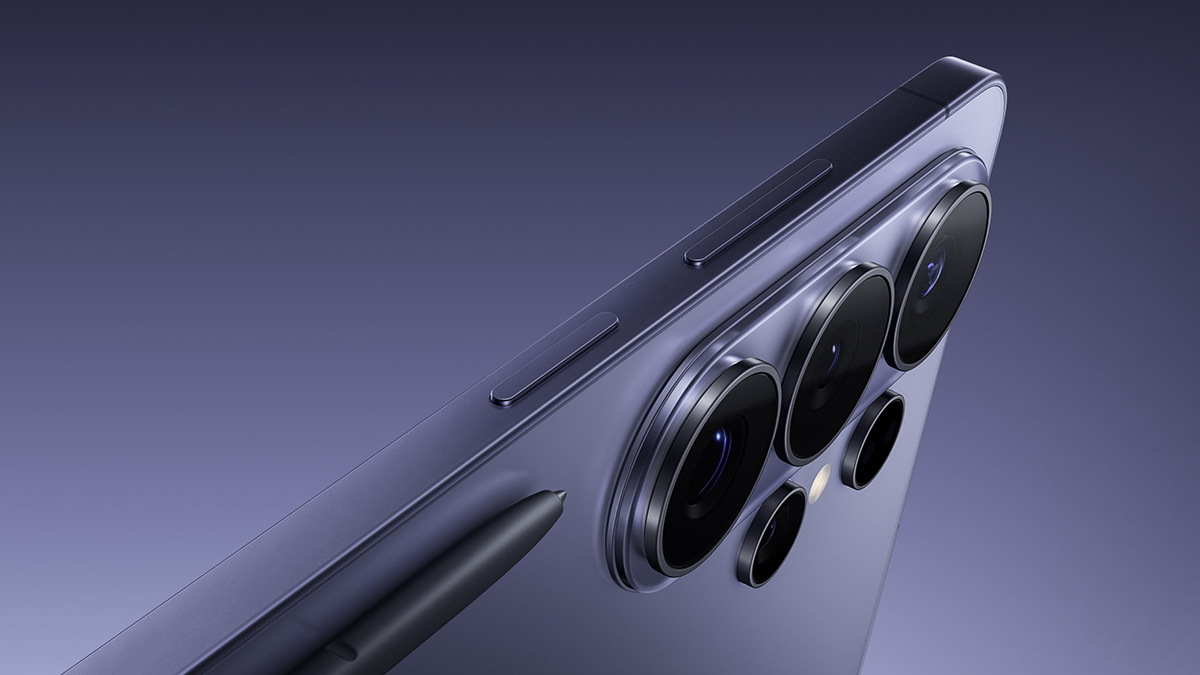
The integrated S Pen adds to the S26 Ultra’s versatility. I can use it for notes, quick sketches, or just navigating more precisely. Latency is low enough that writing feels natural, and the pressure sensitivity makes it usable for more detailed work. That said, it still feels more like a bonus than a main selling point. It fits into the experience nicely, but I don’t see most people choosing this phone just for the stylus.
Battery performance leans more toward reliability than anything flashy. It still packs a 5000mAh cell, and in day-to-day use, I’m getting about a full day on moderate use without having to think about it too much. It feels like Samsung focused on keeping things consistent rather than chasing bigger numbers. It’s not the kind of battery that stands out on paper, but it also doesn’t leave me worrying about getting through the day.
User Experience: 5/5
Using the Samsung Galaxy S26 Ultra day to day feels like settling into a device built for both power and enjoyment. Watching videos on the 6.9-inch display is an easy highlight. It’s the kind of screen that makes you want to stay on it a little longer. Visuals are crisp, colors pop, and the speakers are surprisingly full. There are moments when I don’t even feel the need to reach for headphones. It really does feel like having a mini cinema in my hand.
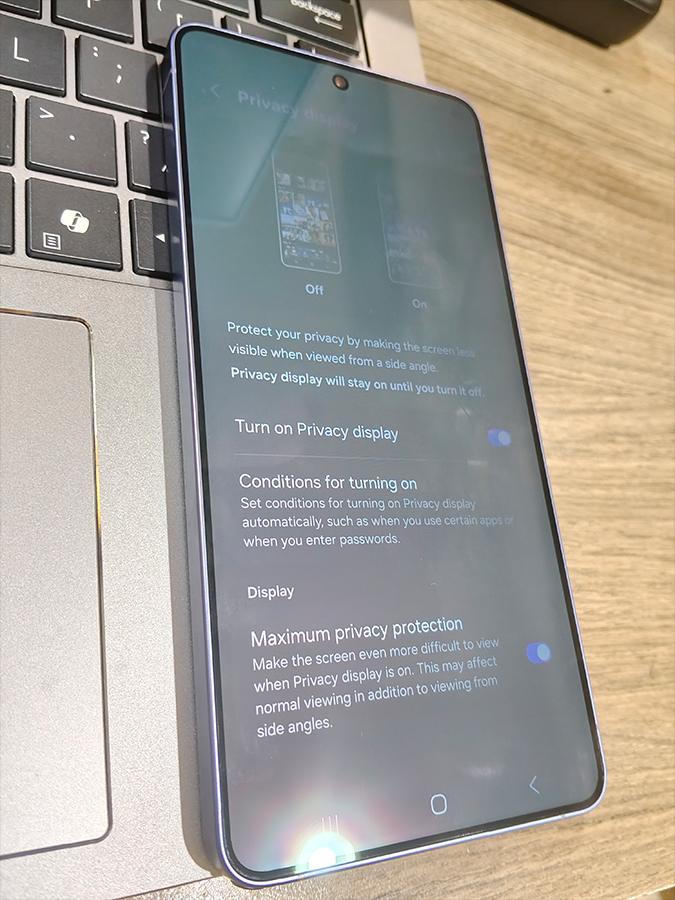
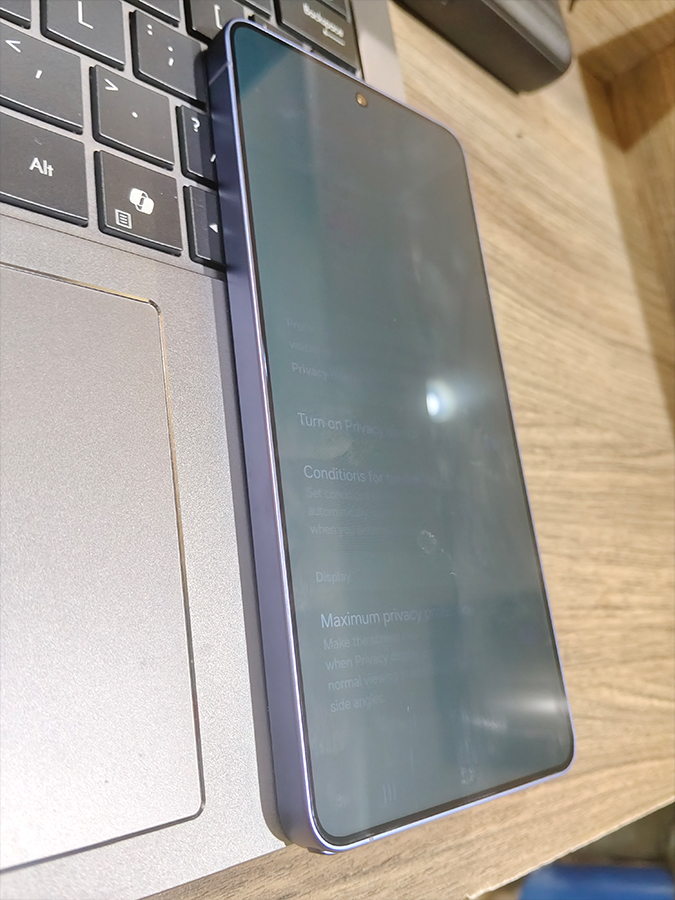
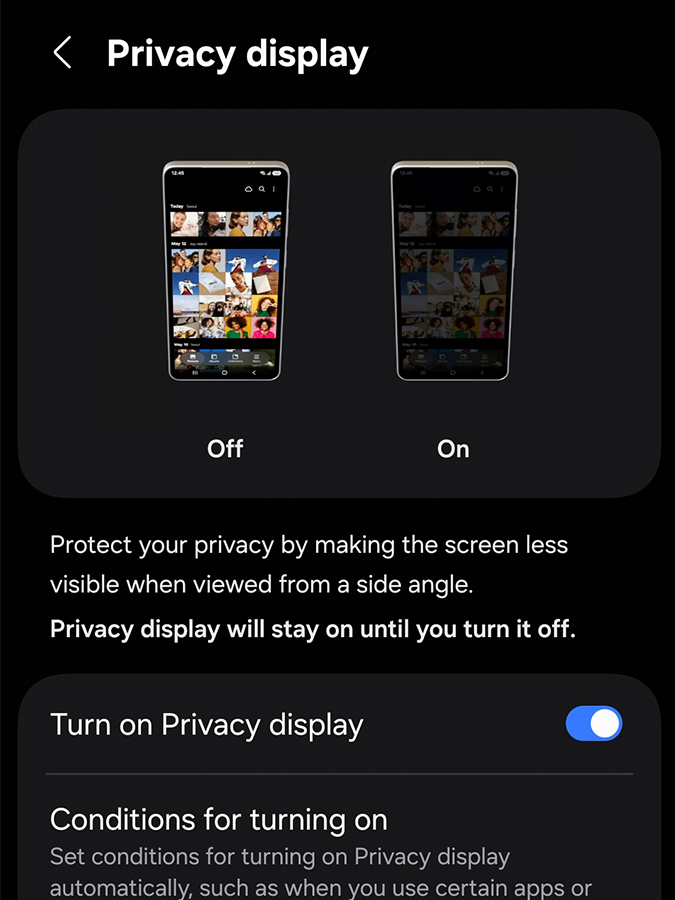
Beyond media, the Privacy Display is one of the more thoughtful features here. Instead of relying on a physical privacy film, Samsung’s approach feels smarter and more flexible. The screen narrows its viewing angle so that I see everything clearly head-on, while anyone off to the side gets a much dimmer view. It works consistently whether I’m outdoors, indoors, or somewhere in between.
For more sensitive tasks like banking or entering passwords, Maximum Privacy Mode tightens things further. I also like that I can set it to activate automatically for certain apps or situations, so I don’t have to think about turning it on. It just happens when I need it.
What stood out to me is that enabling privacy doesn’t really compromise the experience. Brightness stays strong, colors still look good, and the display doesn’t feel muted. It feels more like an added layer of protection than a trade-off.
Combined with its fluid performance, long-lasting battery, and refined hardware, the S26 Ultra provides a user experience that is not just capable, but thoughtful and immersive. Overall, it’s the ideal device for users who want power, media excellence, and privacy.
Value: 4/5
The Samsung Galaxy S26 Ultra’s SRP starts at PHP86,990 for the 256GB model; PHP100,990 for 512GB; and PHP121,990 for the 1TB version. While these numbers may seem high at first glance, they are expected for a flagship device of this caliber.
That said, coming from the S25, the upgrade doesn’t feel especially dramatic for the cost. I can see why existing users might hold off for now.
Even so, considering the combination of top-tier performance, an advanced camera system, AI-powered features, immersive display and audio, and premium build quality, the S26 Ultra still delivers substantial value for users who know how to maximize its capabilities. If you treat it as more than just a phone, using it for productivity, media, photography, and even security-conscious tasks, this device essentially pays for itself through its versatility and reliability.
Bottomline
As a flagship, the Galaxy S26 Ultra is a green flag, but don’t get too excited: While it delivers power, polish, and versatility, it’s more an incremental upgrade than a game-changing leap. he cameras are impressive, the AI tools are clever, the display is vivid, and the speakers are good enough that I sometimes forget about headphones. But coming from the S25, a lot of this feels familiar rather than new.
Still, if you actually push your device like multitasking across multiple apps, creating high-resolution content, streaming videos, or relying on privacy features, the S26 Ultra rewards you with consistent performance and a high ROI.
It may not reinvent the wheel, but it gets the fundamentals right. In short, it’s powerful, capable, and impressively versatile. However, if you go in expecting something groundbreaking, the price might feel harder to justify.
What’s Hot:
- Small-hand friendly
- Privacy display
- Zero throttling during 8K recording
- Frictionless 120Hz scrolling and typing
- Smart S Pen
What’s Not:
- Nearly identical to the S25 Ultra
- Annoying camera bump
- Hit-or-miss AI results
Specifications:
- Display: 6.9-inch Dynamic AMOLED 2X (QHD+), 1–120Hz adaptive refresh.
- Processor: Snapdragon 8 Elite Gen 5 (Custom “For Galaxy” Edition).
- Main Camera: 200MP Wide with enhanced low-light intake.
- Zoom System: 50MP Periscope (5x optical) + 10MP Telephoto (3x optical).
- Video: 8K recording at 30fps with Pro Mode stabilization.
- Battery: 5,000mAh capacity with 60W wired “Super Fast” charging.
- Memory/Storage: 12GB or 16GB RAM; 256GB, 512GB, or 1TB UFS 4.0.
- Build: Armor Aluminum 3 frame; 7.9mm thickness (Samsung’s thinnest).
- Durability: IP68 water/dust resistance + Gorilla Glass Armor.
- Software: Android 16 with One UI 8.0 and 7 years of OS updates.
- Special Hardware: Built-in S Pen (left-side) and Privacy Display layer.
Reviewed by Aljhelyn Piador
Also published in GADGETS MAGAZINE Volume 26 Issue No. 8